Extract Text from Any Image or PDF
OCR in seconds — images, scans, screenshots. Free preview, no signup.
No signup for preview · Supports 50+ languages · EU servers
or drop a file,
paste image orBy uploading an image or URL you agree to our Terms of Service. Uploads are processed automatically and deleted after 48 hours.
How it works
Three steps, a few seconds, no retyping.
Step 1
Upload image or PDF
Drop a photo, scan, screenshot or PDF — up to 20 MB. No signup needed for the preview.
Step 2
OCR runs instantly
Our model reads the text in seconds — pick the language and the output format you need.
Step 3
Copy or download text
Copy to your clipboard, or download as .txt, Markdown or JSON — searchable PDF on Premium.
One tool, every kind of text
From a scanned page to a screenshot you can't select.
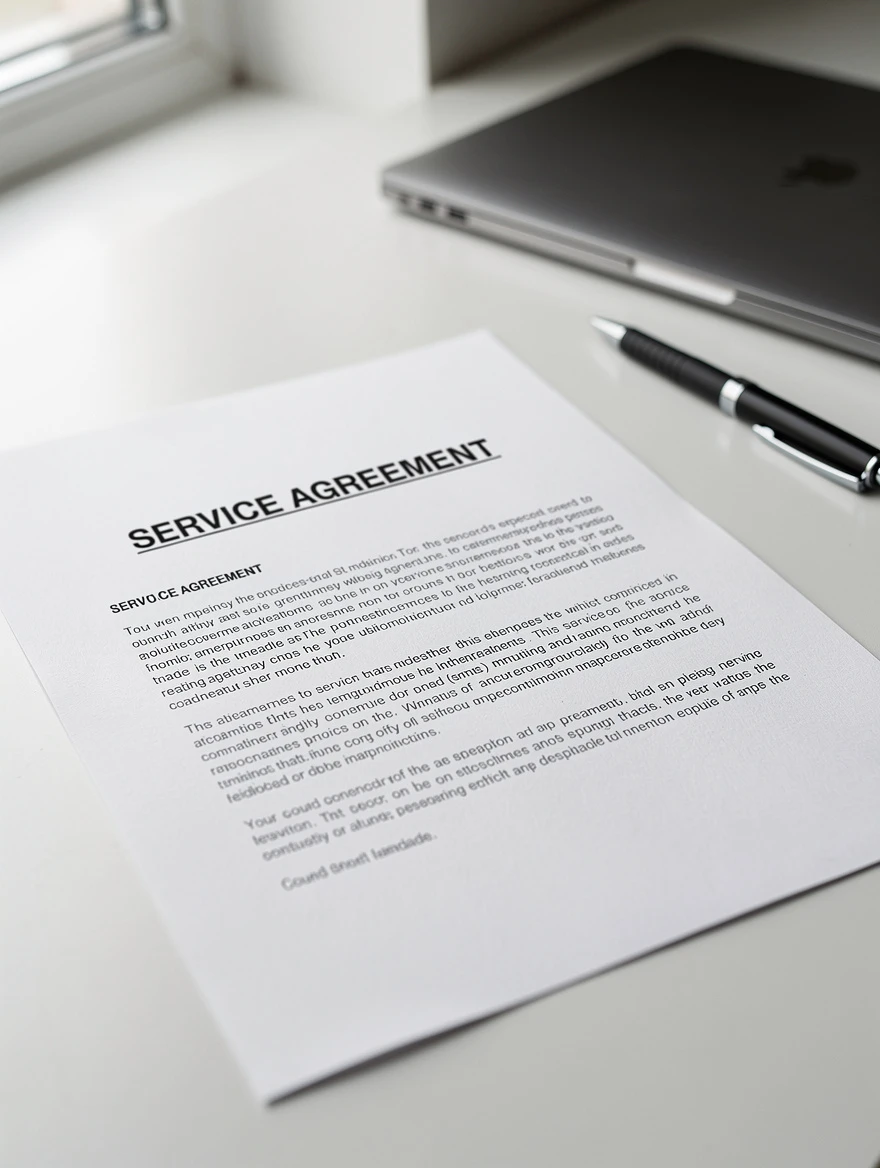
Scans and PDFs into editable text
Turn a scanned contract, report or book page into clean, selectable text. Multi-page PDFs are read page by page, and you can copy the result as Markdown to keep headings.
Accurate text, not approximate text
Text Extractor reads printed text from photos, scans, screenshots and PDFs and gives you clean, selectable output — as plain text, Markdown, or structured JSON you can pipe straight into your app.
- 50+ languages, including full German umlaut support
- Plain text, Markdown or structured JSON output
- Private by design — files are never stored beyond your session
Built for your use case
Whoever you are, Text Extractor fits your workflow.
For Students
Turn lecture slides, textbook pages and whiteboard photos into editable, searchable notes in seconds.
For Researchers
Digitise scanned papers and archival documents — keep the layout, copy as Markdown, cite without retyping.
For Accountants
Pull totals, dates and line items out of receipts and invoices. Structured JSON output with bounding boxes.
For Developers
One POST request, structured text back. 50+ languages, JSON blocks, metered credits — no subscription.
Developer API
One POST request.
Structured text back.
Boring, reliable OCR your app can call forever. Plain text, Markdown or JSON, 50+ languages, metered credits — a fraction of the price of the big-name text extraction APIs.
- · Binary or JSON responses, your choice
- · Idempotency keys — retries never double-charge
- · Clear rate limits with standard headers
curl -X POST https://usely.tools/api/v1/ocr \
  -H "Authorization: Bearer tx_live_..." \
  -F "file=@scan.pdf" \
  -F 'opts={"language":"eng","output_format":"json"}'
Frequently asked questions
What file types can I upload?
Images — JPG, PNG, WebP, BMP and TIFF — and PDFs, up to 20 MB. PDFs are read page by page, so you can extract one page, a range, or the whole document.
How accurate is the text extraction?
On clean printed scans and screenshots, accuracy is very high — typically well over 95% of words. Phone photos and low-contrast or skewed images are harder; when confidence is low we flag it instead of silently returning garbage, so you know when to retake the shot.
Which languages are supported?
50+ languages including English, German, French, Spanish, Italian, Portuguese, Dutch and Polish. Leave the language on Auto-detect, or pick one to help the model on mixed or unusual text.
What happens to my files — are they private?
Extraction runs on our EU servers and the text is returned straight to you. We never store your files or the extracted text beyond your session, and we never use them for anything else. No account is required for the free tier.
Can it read multi-page PDFs?
Yes. Drop a PDF and choose All pages or a specific page range. Each page is read separately and the results are combined, with a page marker between them in text and Markdown, or a per-page array in JSON.
Can I process many files at once?
The free web tool handles one file at a time. Higher-volume batch processing is available through the API and the Premium plan, along with an ad-free experience.
Is there an API?
Yes. A single authenticated POST to /api/v1/ocr returns JSON with the text, per-page detail and a confidence score. There's a free developer tier, then metered credits priced to undercut the big cloud OCR services — no forced subscription.
Can I get a searchable PDF?
Searchable-PDF export — your original pages with a hidden, selectable text layer — is a Premium feature. The plain text, Markdown and JSON exports are free for everyone today.
Extract text from your first image — free, no account needed
Images, scans, screenshots and PDFs. Copy, or download as text, Markdown or JSON.