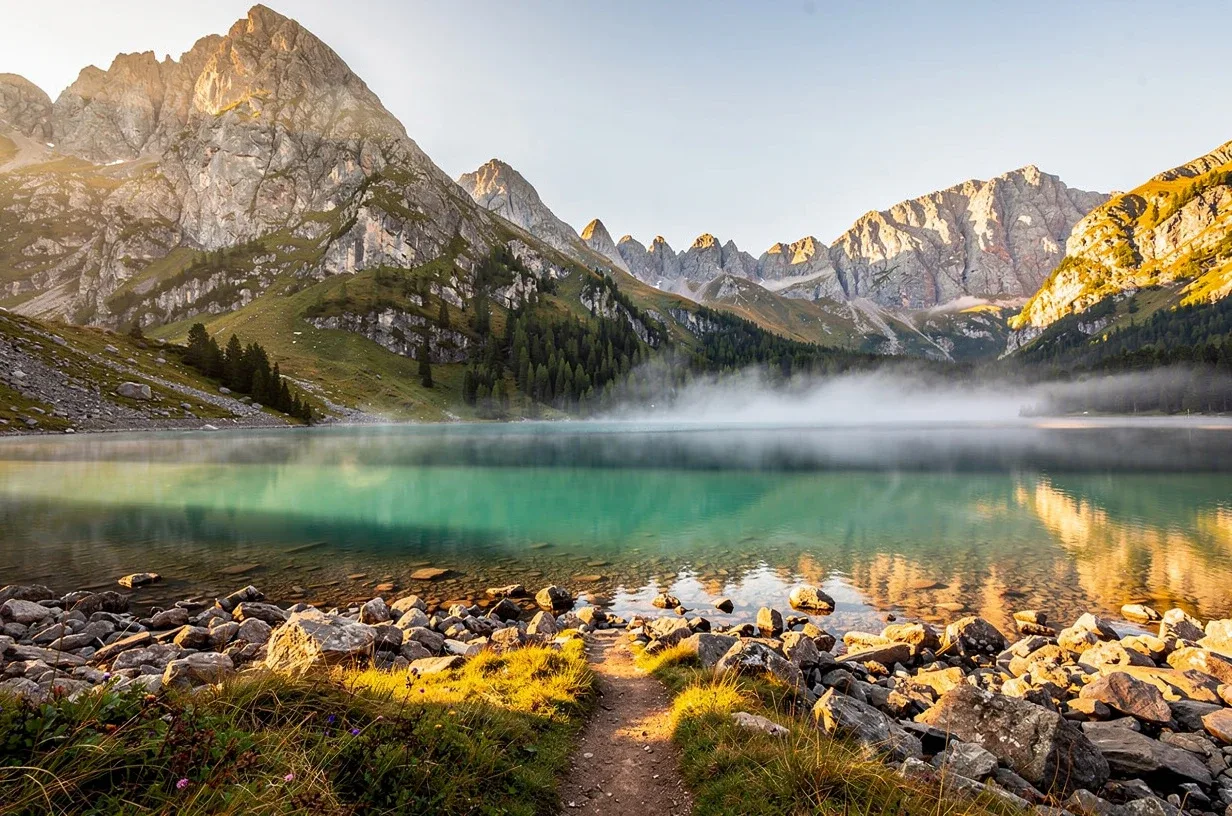
Edit Any Image — Resize · Crop · Compress · Convert
Exact dimensions, smart cropping, target file sizes, format conversion. Free, instant, no watermark.
No signup for free resize · Privacy-first · EU servers
or drop a file,
paste image orBy uploading an image or URL you agree to our Terms of Service. Uploads are processed automatically and deleted after 48 hours.
How it works
Three steps, a couple of seconds, no manual cropping.
Step 1
Upload your image
Drop any JPG, PNG, WebP, GIF, TIFF or AVIF — up to 50 MB. No signup needed.
Step 2
Choose size & options
Type exact pixels, pick a social preset, lock the aspect ratio, set format and quality.
Step 3
Download instantly
Your resized image is ready at full resolution — no watermark, no account, no wait.
One tool, every use case
From a thumbnail to a print-ready poster.
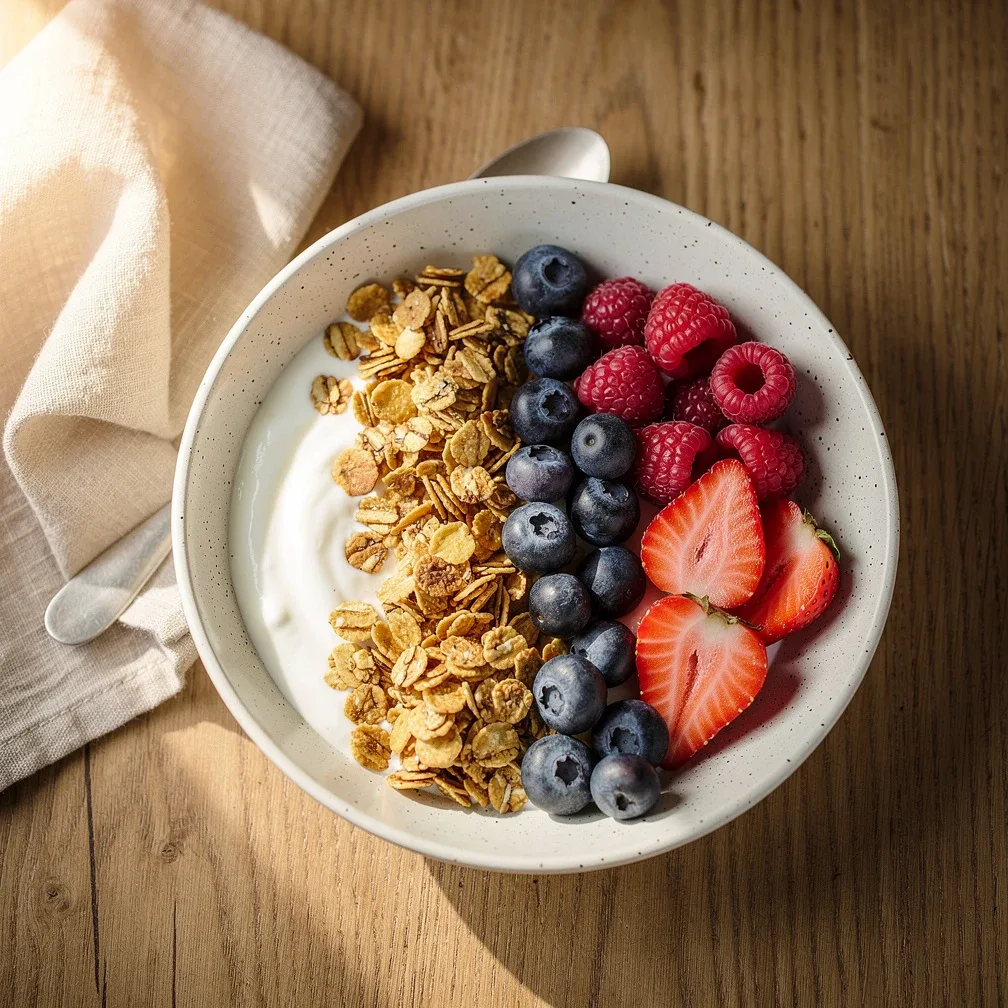
Every platform's exact size
Snap any photo to Instagram Square, Story, an X header or a LinkedIn cover. Crop-to-fill keeps the subject centred so nothing important gets cut off.
Crisp at every size
Down-scaling is where most tools fall apart. Image Editor uses high-quality Lanczos resampling so text stays legible and edges stay clean — then optional sharpening puts back the bite a big size change takes away.
- Nearest, bilinear, bicubic and Lanczos resampling — you choose
- Convert between JPEG, PNG and WebP with a live size readout
- Full-resolution output up to 8000 px — no watermark, ever
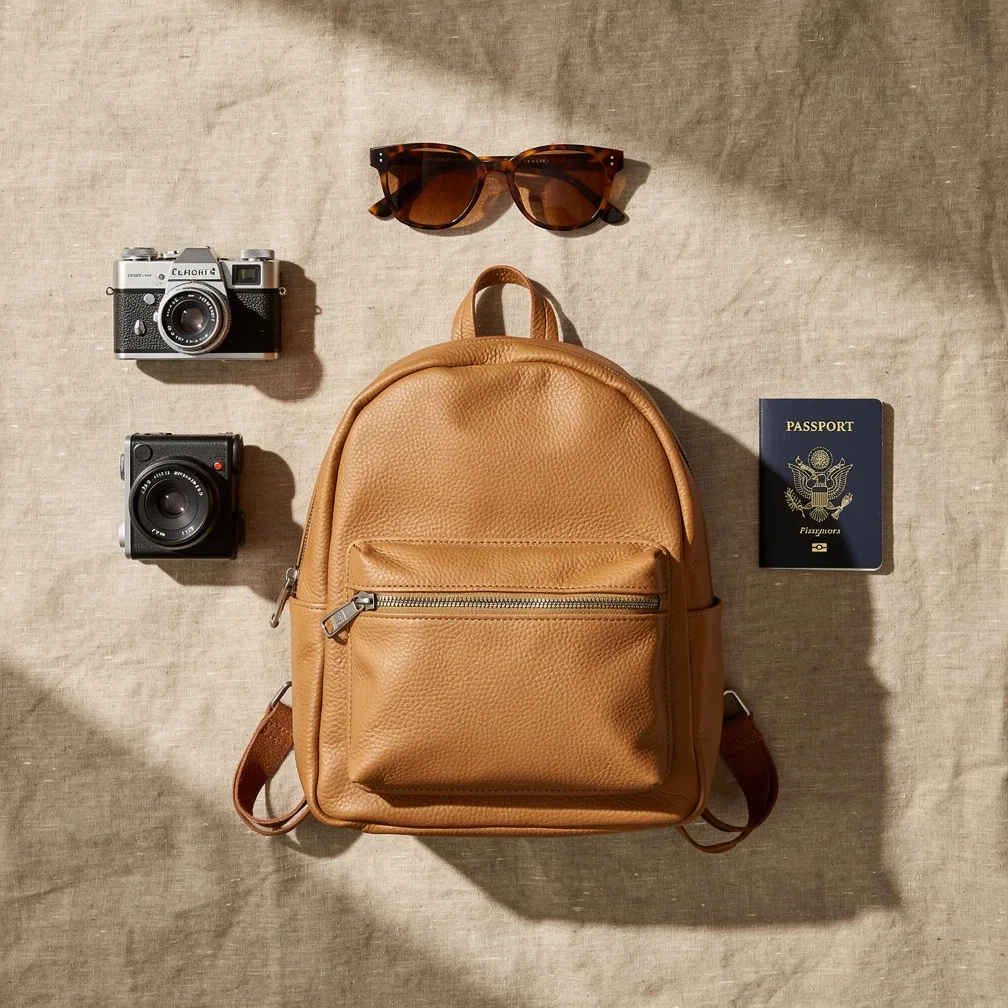
Built for your use case
Whoever you are, Image Editor fits your workflow.
For Online Sellers
Perfectly sized product photos for Etsy, eBay, Shopify and Amazon — every marketplace's exact dimensions in one click.
For Social Media Managers
Instagram, Story, X header, LinkedIn cover, YouTube thumbnail — pixel-perfect presets, no cropping guesswork.
For Developers
One POST request, optimized bytes back. Resize, crop with gravity, hit a target file size, pick format and quality. Metered credits, no subscription.
For Photographers
Lanczos-quality downscaling, format conversion and metadata strip (or keep) for fast, private web delivery.
Developer API
One POST request.
A resized image back.
Resize, crop, convert and compress at scale — pick the algorithm, format and quality. A generous free developer tier, then metered credits with no forced subscription.
- · Binary or JSON responses, your choice
- · Idempotency keys — retries never double-charge
- · Clear rate limits with standard headers
curl -X POST https://usely.tools/api/v1/resize \
  -H "Authorization: Bearer rs_live_..." \
  -F "image_file=@photo.jpg" \
  -F "width=1080" -F "height=1080" \
  -F "crop_mode=fill" -F "format=webp" -F "quality=90" \
  -o resized.webp
Frequently asked questions
Will resizing reduce my image quality?
Only if you scale up far beyond the original resolution. Down-scaling with our Lanczos algorithm keeps detail crisp, and the optional sharpen control restores any softness a large size change introduces. Converting between formats is lossless for PNG and near-lossless at quality 90+ for JPEG and WebP.
JPEG, PNG or WebP — which format should I pick?
Use JPEG for photos where small file size matters and you don't need transparency. Use PNG when you need a transparent background or pixel-perfect graphics and text. Use WebP for the best of both — photo-grade compression with transparency support — when your target supports it (every modern browser does).
What are the maximum dimensions and file size?
You can upload images up to 50 MB and 64 megapixels, and resize to any dimension up to 8000×8000 px. That covers everything from a 16×16 favicon to a large print-ready poster.
What happens to my images — are they private?
Yes. Resizing happens on our EU servers and the result is sent straight back to you. We never store your originals beyond your session and we never use them for anything else. No account is required.
How do I compress an image to a target file size?
Set a target size in KB next to the quality slider (or pass target_kb in the API). The server re-encodes at decreasing quality until the file fits your budget — up to six iterations, so it lands close without you guessing quality values. Works for JPEG, WebP and AVIF.
Can I crop an exact region instead of resizing?
Yes. Turn on Custom crop, enter the region size and pick an anchor — center, any edge, or Smart, which automatically finds the most interesting part of the picture. Edge and center crops are pixel-exact cuts with no resampling; you can resize the cropped result afterwards in the same pass.
Is EXIF metadata removed from my images?
By default, yes — location, camera and other metadata are stripped, which is what you usually want before publishing. Flip on 'Keep metadata' to preserve EXIF, ICC color profiles and XMP instead. Orientation is always applied correctly either way.
Is there an API I can call from my app?
Yes. A single authenticated POST to /api/v1/resize returns the optimized bytes, with parameters for dimensions, cropping with gravity, target file size, format, quality, metadata and post-processing. There's a generous free developer tier, then metered credits — no forced subscription.
Can I resize many images at once?
The free web tool resizes one image at a time. Batch resizing (drop a folder, get a zip) is part of Premium, along with an ad-free experience and higher API throughput.
Does it keep transparency?
Yes. PNG and WebP outputs preserve the alpha channel. When you pad an image to a new aspect ratio you can choose a transparent background, or a solid white or black border. JPEG has no transparency, so transparent areas are flattened onto white.
What's the difference between the resampling algorithms?
Nearest-neighbour keeps hard pixel edges — perfect for pixel art and favicons. Bilinear and bicubic are smooth general-purpose options. Lanczos gives the sharpest, highest-quality result for photos, especially when down-scaling, at a slightly higher compute cost.
Resize your first image — free, no account needed
Full resolution, no watermark, deleted after your session. Just upload and download.