Company 1
“Placeholder testimonial — replace with a real quote. Describe how the tool saved time or improved results.”
Person 1
Role / Title

Walk through rooms you filmed on your phone — sample scene Free
or drop a file,
MP4 / MOV · ≤1080p · ≤3 min
By uploading a video you agree to our Terms of Service. Reconstructions need a free account; exploring the sample scene doesn't.
This is a live 3D scene — drag to orbit, scroll to zoom, WASD to walk.
Video to 3D rebuilds the scene with 3D Gaussian splatting — photoreal from every angle you filmed, with true depth and view-dependent lighting. It's a navigable scene, not an editable polygon mesh, and we say so on every result.
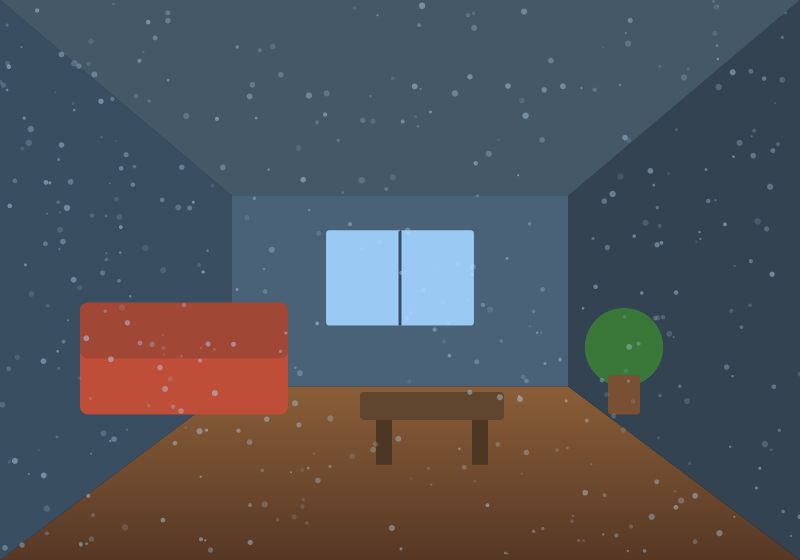
Film once, upload, walk through it forever.
Step 1
One slow, continuous take with your phone — loop the room, keep plenty of overlap.
Step 2
We solve the camera path and reconstruct the scene as millions of 3D gaussians.
Step 3
Walk through the result in the browser, send a private link, download the .ply.
“Placeholder testimonial — replace with a real quote. Describe how the tool saved time or improved results.”
Person 1
Role / Title
“Placeholder testimonial — replace with a real quote highlighting quality, speed, or ease of integration.”
Person 2
Role / Title
“Placeholder testimonial — replace with a real quote about reconstruction quality or the API.”
Person 3
Role / Title